
Wi-Fi & Connectivity at COTA RV Park
Stream, Zoom, game—reliable across the park.
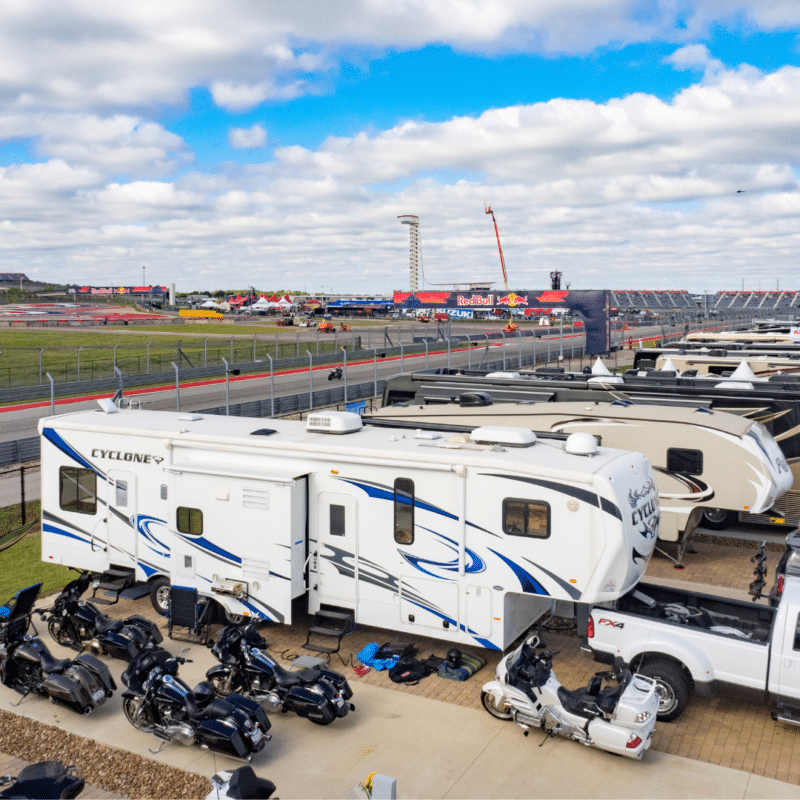
If Wi-Fi is the difference between “vacation” and “I can actually stay longer,” you’re in the right place. COTA RV Park offers Wi-Fi designed to support modern RV travel—remote work, streaming, and everyday connectivity—across the property.
- Wi-Fi (50 Mbps avg.) across the park
- Built for common needs: Zoom calls, streaming, browsing, and gaming
- Best for remote work stays and longer trips to Austin
- Tips below to get the strongest signal at your site
What Our Wi-Fi Is Good For
Common guest use cases
- Video calls and meetings (Zoom, Teams, Google Meet)
- Streaming (Netflix, YouTube, live sports)
- Online classes and homework
- Gaming and downloads (best during off-peak hours)
- Multiple devices connected at once
Like all shared networks, performance can vary based on your distance to access points, device quality, and peak demand times.
What “Wi-Fi & Connectivity” Means Here
You’ll sometimes see “Wi-Fi & connectivity” used as shorthand. Wi-Fi is the wireless signal you connect to; connectivity refers to the high-capacity internet connection feeding the network. That combination helps the park deliver more consistent connectivity compared to basic consumer-grade setups.
Wi-Fi vs. internet
Wi-Fi is the wireless connection between your device and the park’s network equipment. Internet is the connection from the park to the wider web.
Why connectivity matters
Connectivity is built to carry a lot of data with low latency and strong reliability. When a park has a solid “backbone,” the Wi-Fi system has a better chance of holding up when many guests are online.
What still affects performance
Distance, interference, and how many people are streaming at the same time can impact speeds—especially during busy weekends.
About Our Published Speed: 50 Mbps Average
When you’ll notice the biggest differences
- Peak evening streaming hours
- Big event weekends with more guests online
- Older devices with weaker Wi-Fi radios
- Sites farther from an access point
How to get the strongest connection
- Connect on the 5GHz network if available (faster, shorter range)
- Place your laptop/phone near a window (less signal blockage)
- Reboot your device if you’re hopping between networks
- For heavy work (uploads, livestreaming), use off-peak hours when possible
- Consider a Wi-Fi extender inside your RV if you know you’re sensitive to signal

Remote-Work Friendly RV Camping Near Austin
Why it works for longer stays
- Full hook-ups and paved sites for a stable daily routine
- Laundry and showers for normal life logistics
- A setting that’s close enough to explore Austin after work
- Options for monthly stays (plan around major campus event weeks)
A simple workweek rhythm
- Morning: coffee + focused work time
- Afternoon: quick break or walk
- Evening: Austin dinner run or relax at your site
- Weekend: events, food, and day trips
Wi-Fi Help & Troubleshooting
My speed is slower at night—why?
Evening hours are often peak usage times, when more guests are streaming and online at once. Try reconnecting, moving closer to a window, or shifting heavy uploads to earlier hours.
I can’t connect—what should I try first?
Restart your device, forget the network, and reconnect. If multiple devices are failing, contact the RV office for help.
Is Wi-Fi included with my stay?
Yes—Wi-Fi is listed as a standard park amenity.
Can I game online?
Many guests do. Performance can vary depending on time of day and how busy the park is. For best results, try off-peak hours.
Can I livestream from my RV site?
Livestreaming can be more sensitive to network conditions. If livestreaming is mission-critical, plan to test during your first day and adjust your schedule to off-peak windows.
Do you guarantee speeds?
We publish an average benchmark and work to maintain reliable service across the park. Actual speeds can vary by device, location, and demand.